macOS
Download DangleJoy directly from the Mac App Store. Purchase once and the macOS version is fully unlocked — no subscription and no renewal.
Tangkal animasi yang cantik tergantung, berayun dan bergerak secara semula jadi pada skrin anda. Peribadikan ruang anda dengan ikon budaya, simbol tuah dan rekaan yang bermakna.


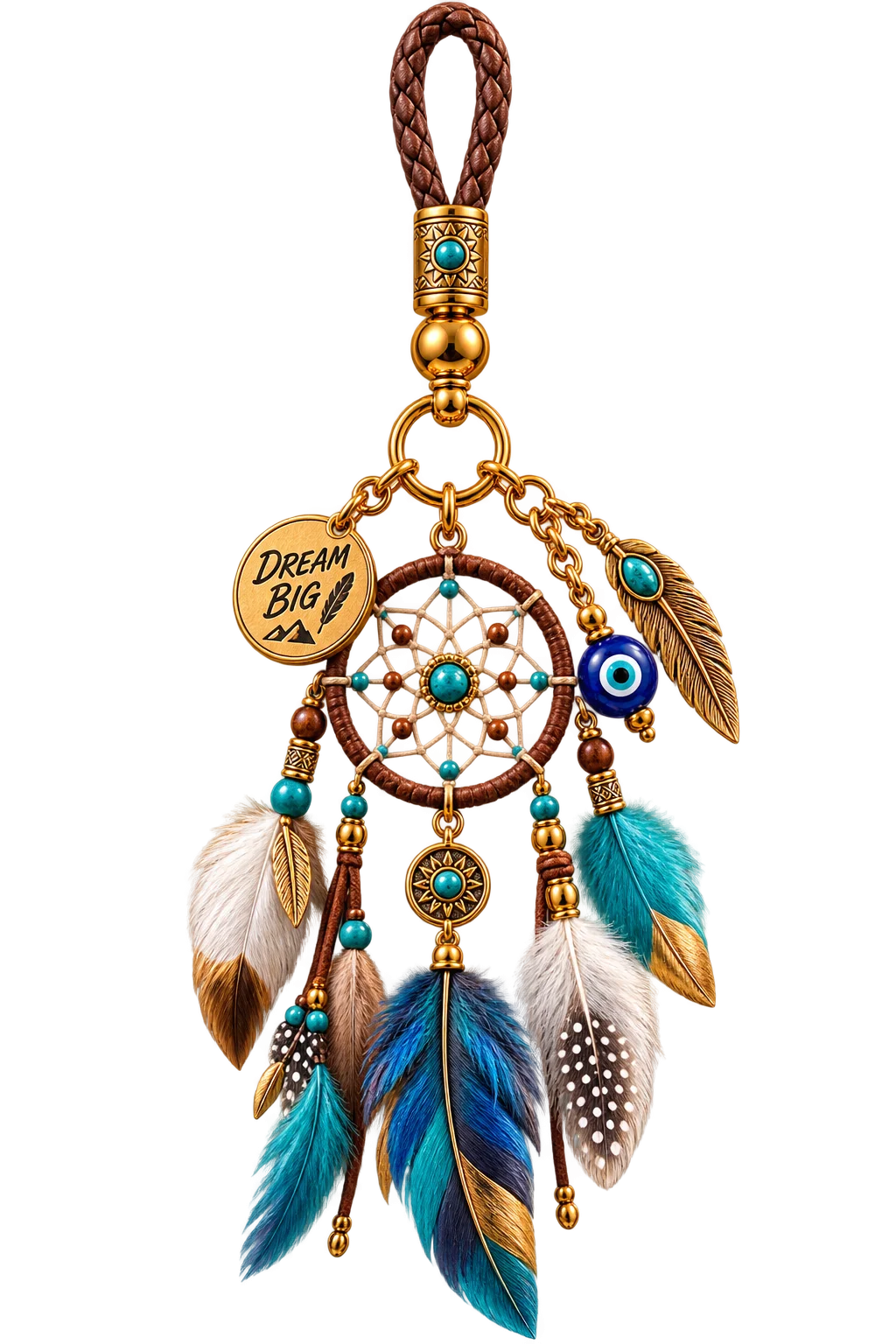
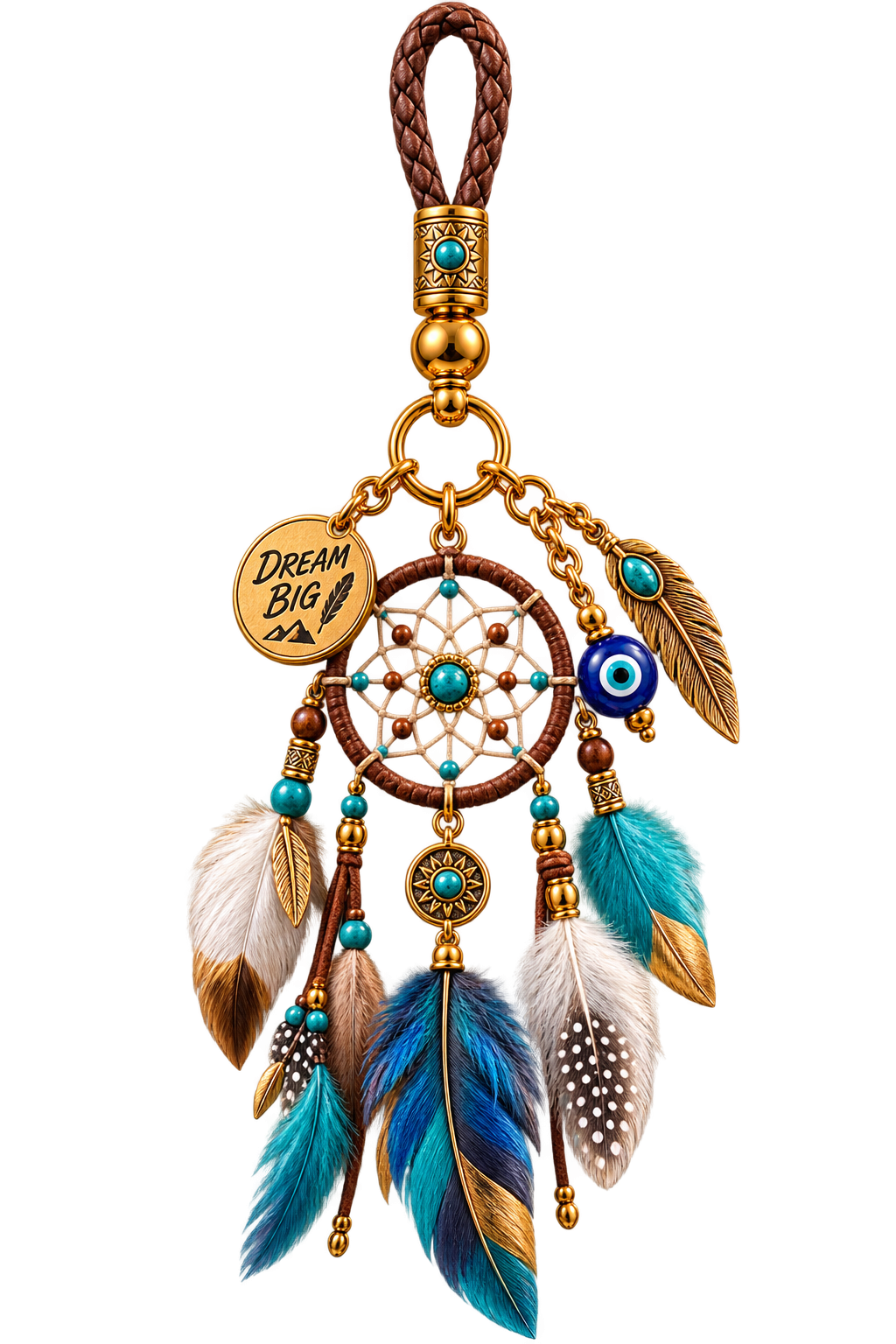
Dreamcatcher Mix
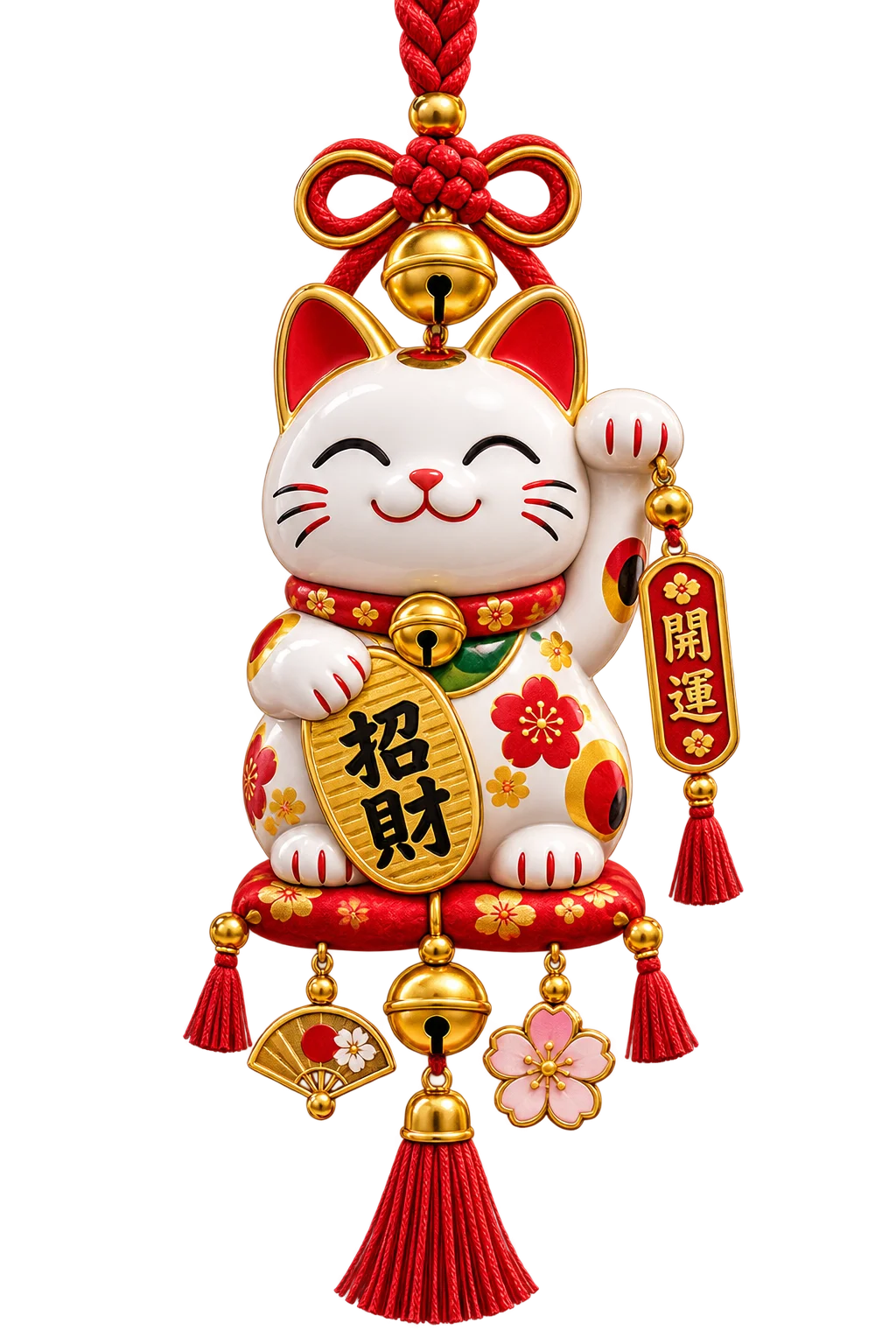
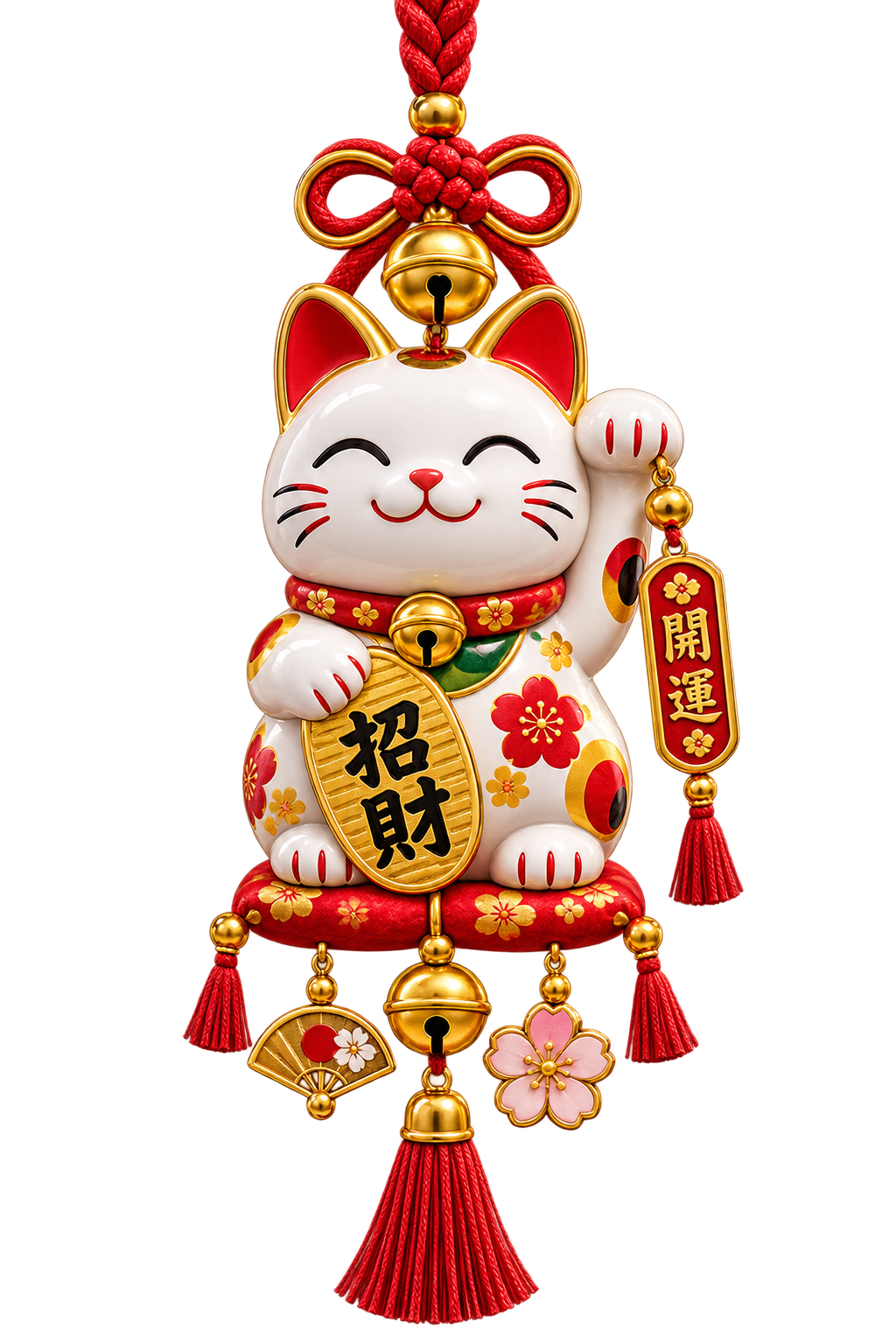
Maneki Neko
Lucky Knot
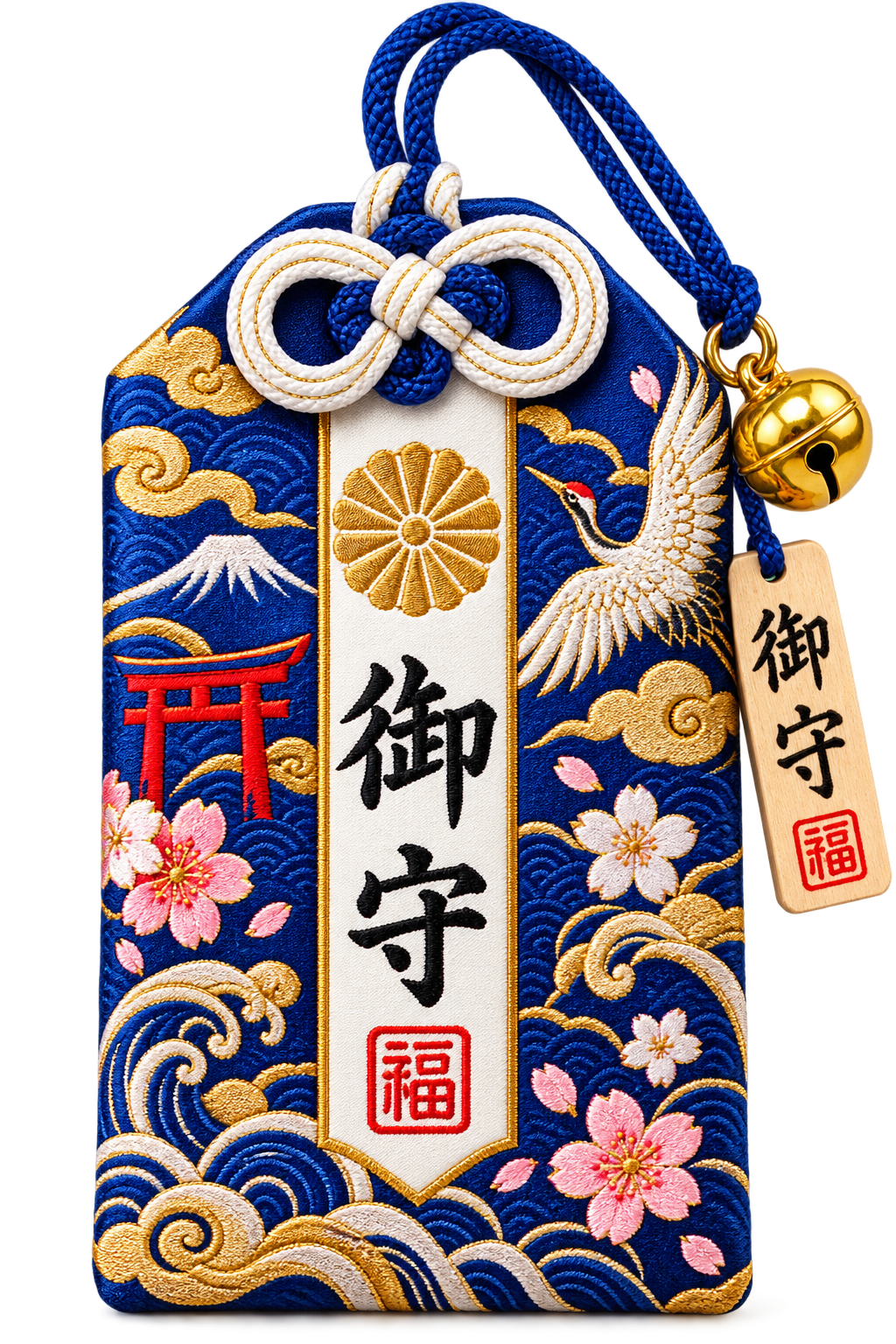
Omamori
Thai Bell
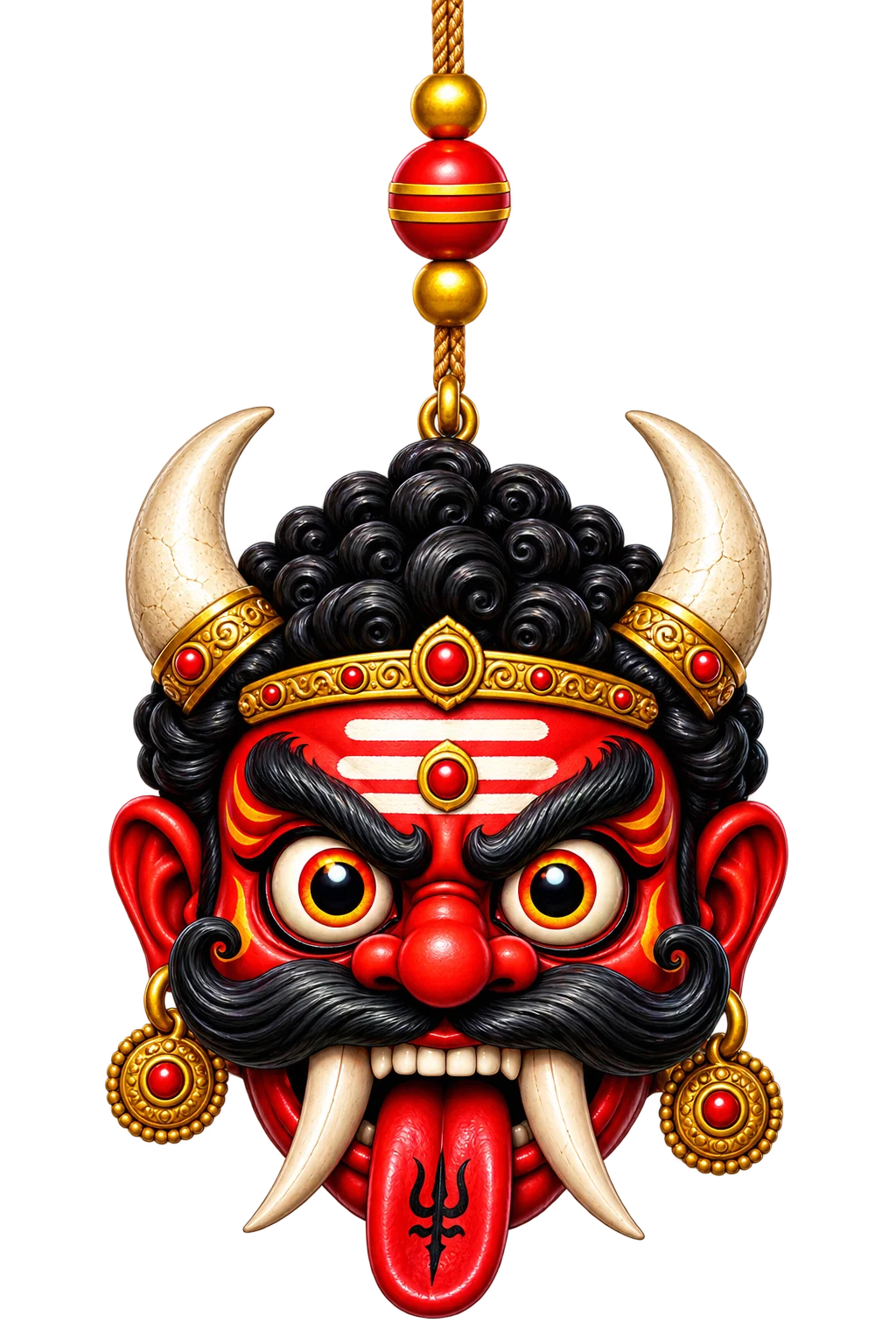
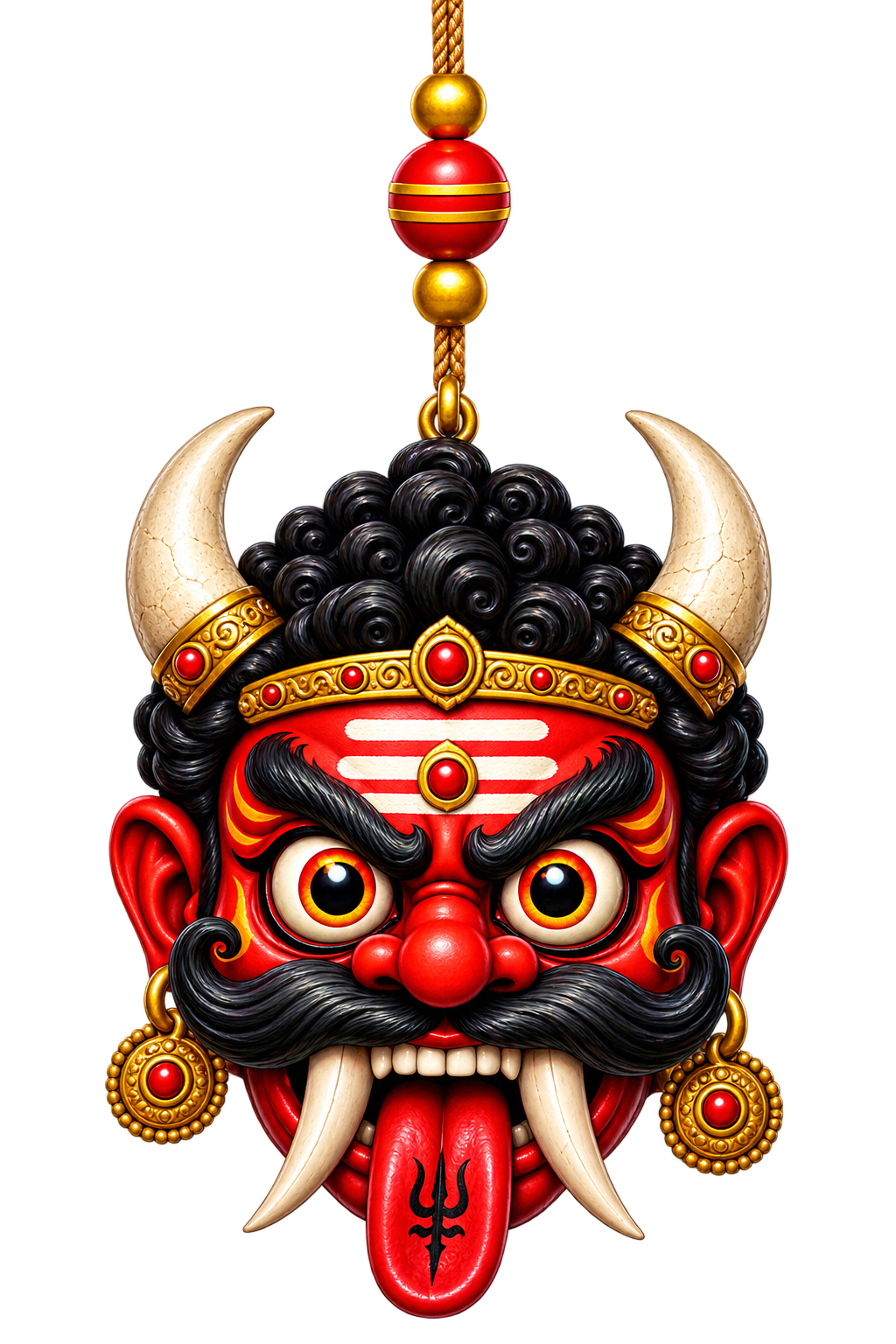
Demon
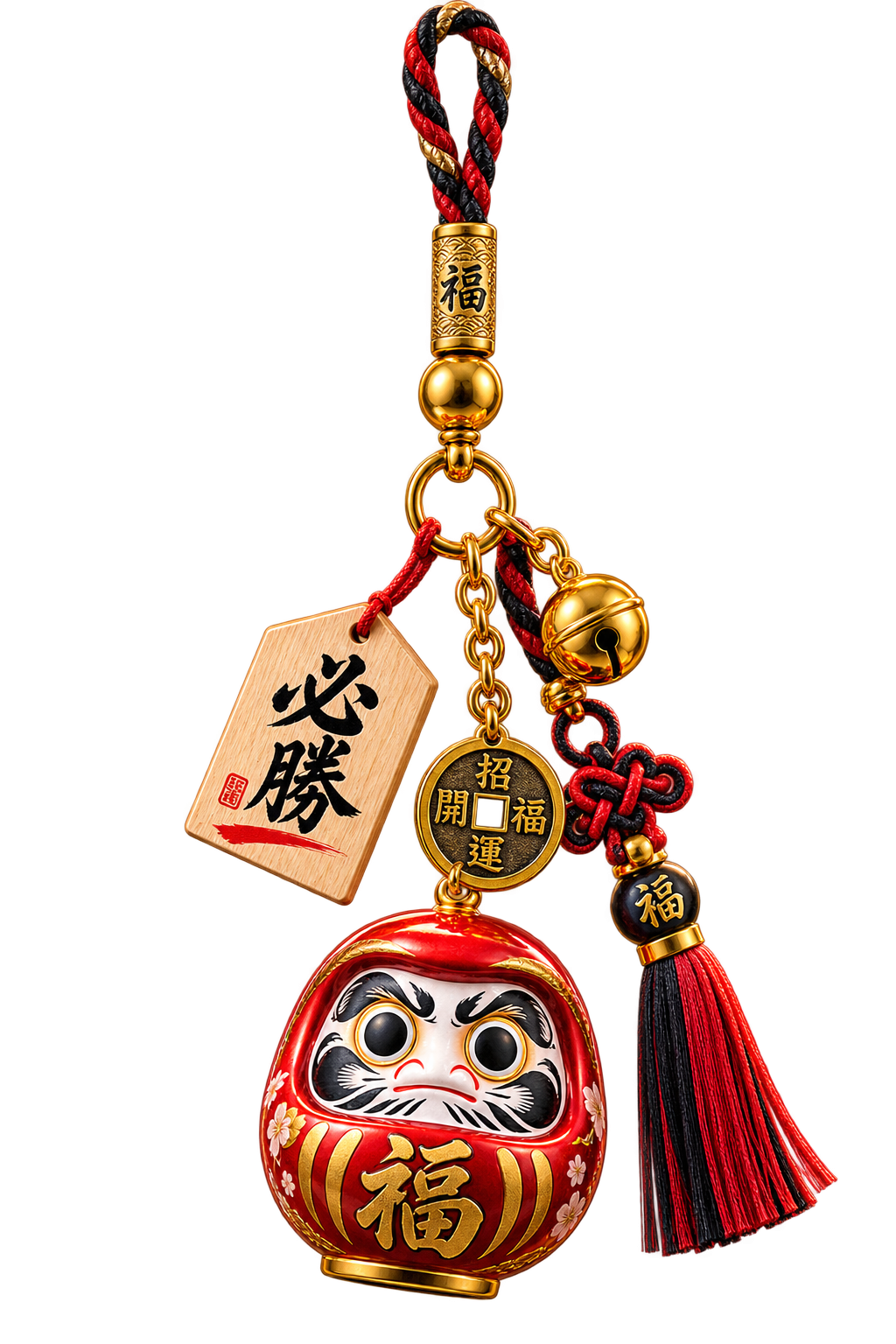
Daruma
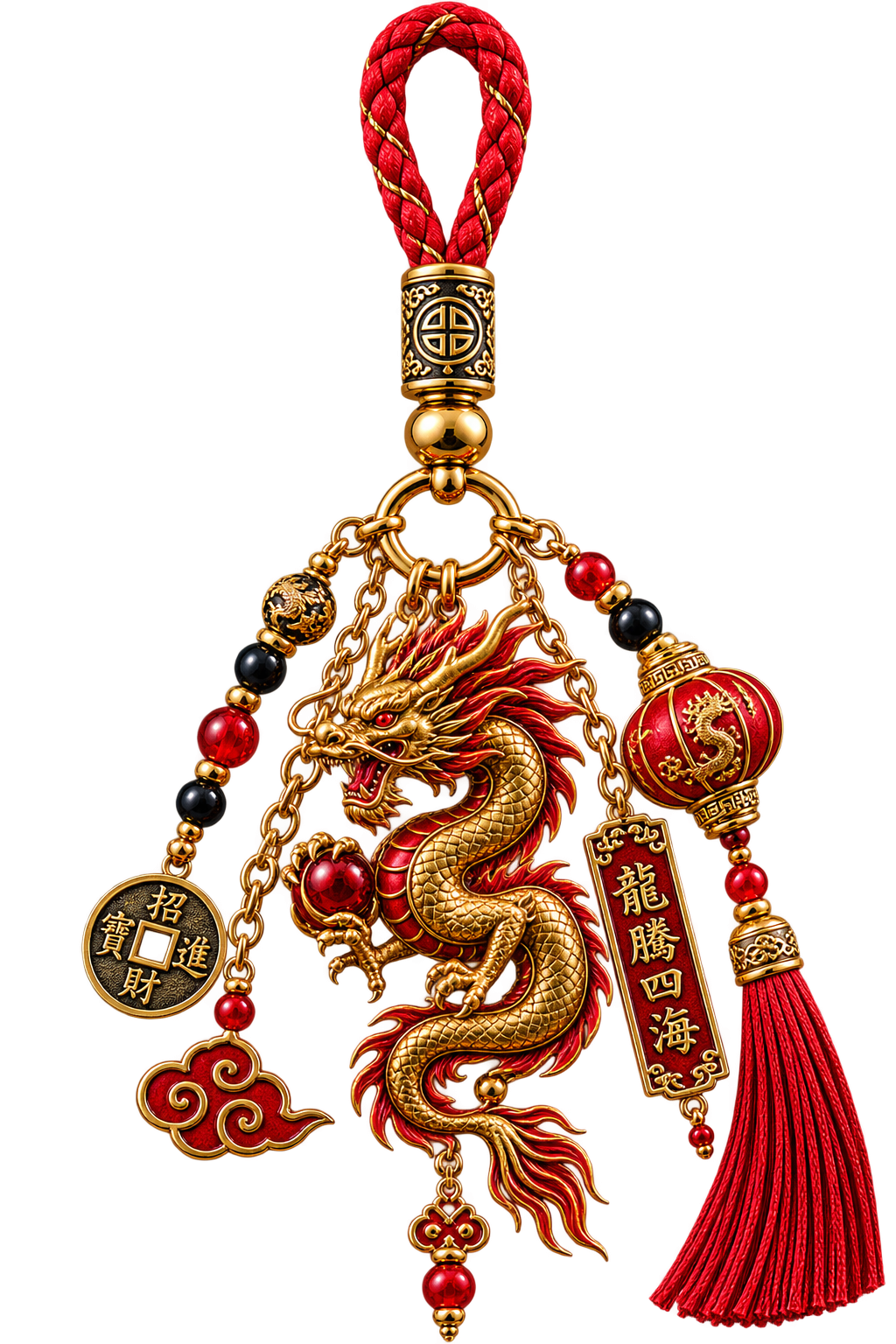
Dragon
Buddha
Rajinikanth
Shah Rukh Khan
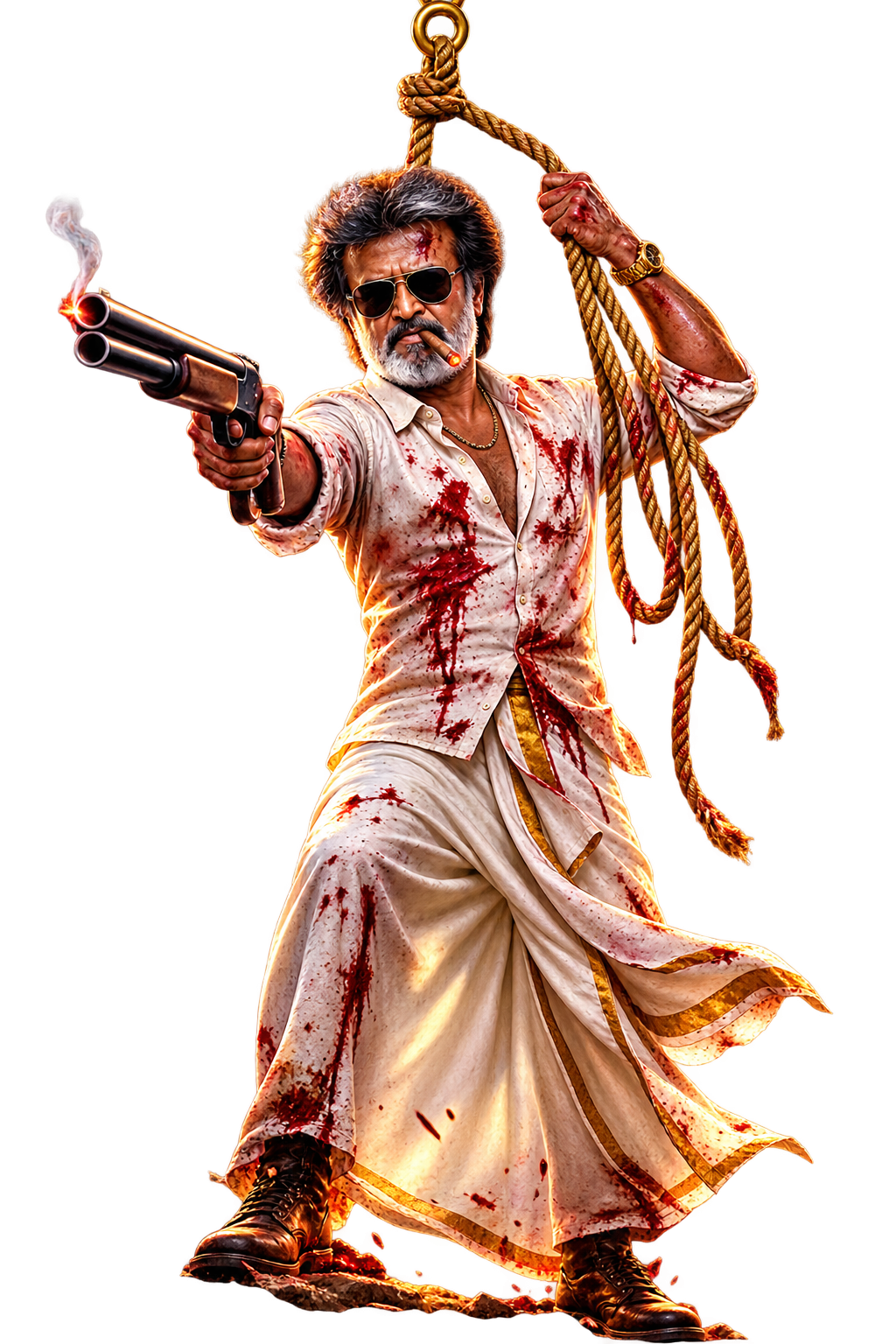
Billa Rajinikath
Jesus
Crucifix
Horseshoe
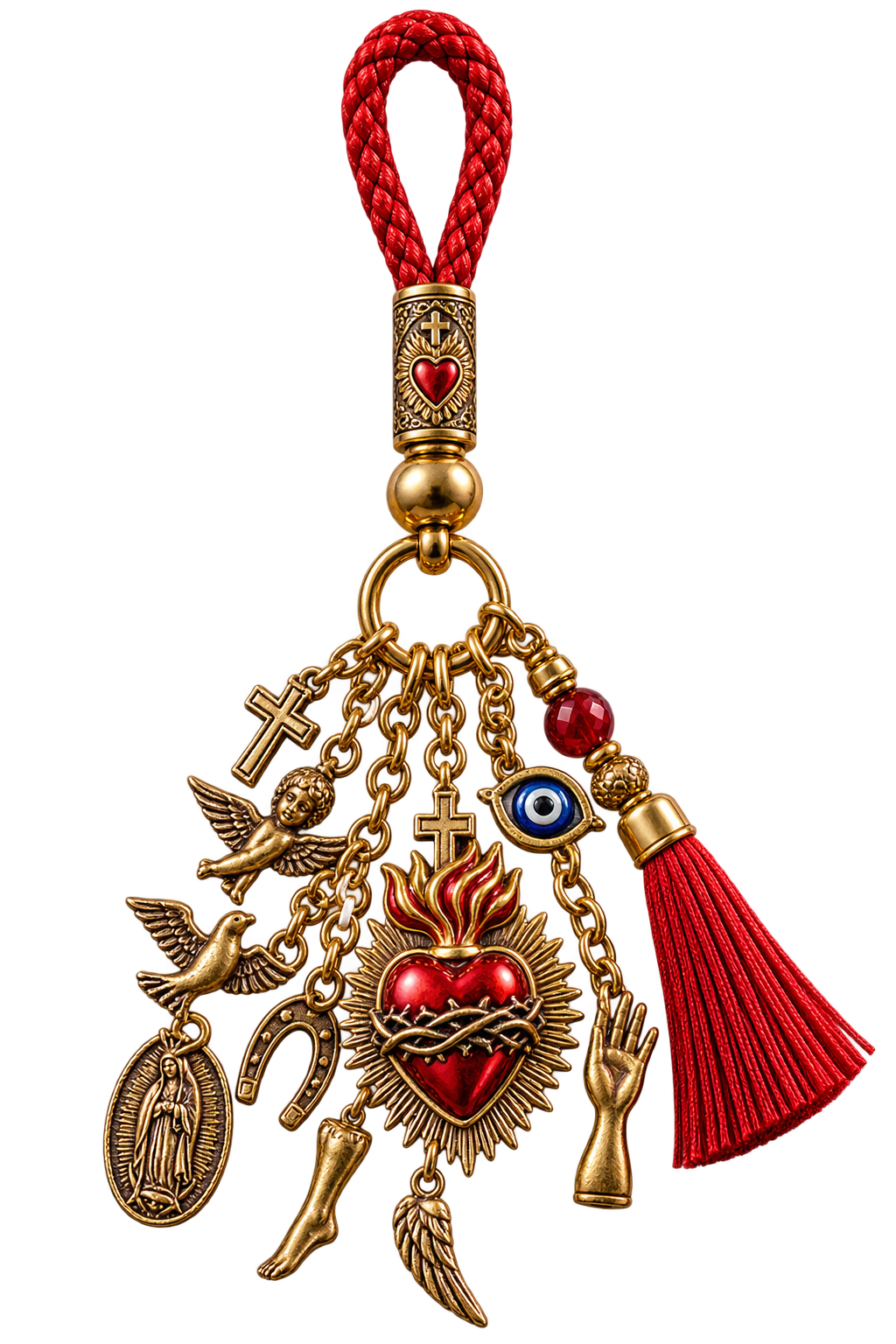
Sacred Heart Milagro
Dreamcatcher Mix
Maneki Neko
Lucky Knot
Omamori
Thai Bell
Demon
Daruma
Dragon
Buddha
Rajinikanth
Shah Rukh Khan
Billa Rajinikath
Jesus
Crucifix
Horseshoe
Sacred Heart Milagro
Choose your platform, unlock DangleJoy once, and enjoy full access with your own charms plus new charm updates.
Download DangleJoy directly from the Mac App Store. Purchase once and the macOS version is fully unlocked — no subscription and no renewal.
Download from Google Play. Inside DangleJoy, tap Unlock Premium to purchase lifetime access. Android pricing can vary by country.
Install DangleJoy on Windows, unlock Premium once, and activate your device for lifetime access. Existing activation codes can restore access.
Enjoy the complete charm collection, create your own personal charms, and receive new charm updates. Activation licenses are for one device at a time; deactivate first when moving to another device.
DangleJoy is available on macOS, Android and Windows — beautifully designed for the screen you use every day.

Full DangleJoy access on your Mac with a simple one-time App Store purchase. No subscription and no renewal.
Available for macOS →
Download from Google Play, then unlock Premium inside DangleJoy for lifetime access.
Available for Android →
Bring DangleJoy to your desktop, activate Premium once and enjoy your charms while you work.
Available for Windows →Dewa Hindu, simbol Islam, ikon Buddha, selebriti dan lagi.
Tangkal baru ditambah secara berkala. Kemas kini automatik.
Laraskan saiz, panjang tali, kedudukan dan kekuatan hayunan.
Terapung di atas semua aplikasi.
Gerakkan kursor dan lihat ia berayun.
Bermula secara automatik apabila Mac dihidupkan.
DangleJoy works by quietly running in the background, so your charms stay on screen while you use other apps. iOS doesn't allow apps to keep running like that, so for now we can't build an iPhone version that works the way DangleJoy should. If Apple ever opens the door, we'll be ready.