macOS
Download DangleJoy directly from the Mac App Store. Purchase once and the macOS version is fully unlocked — no subscription and no renewal.
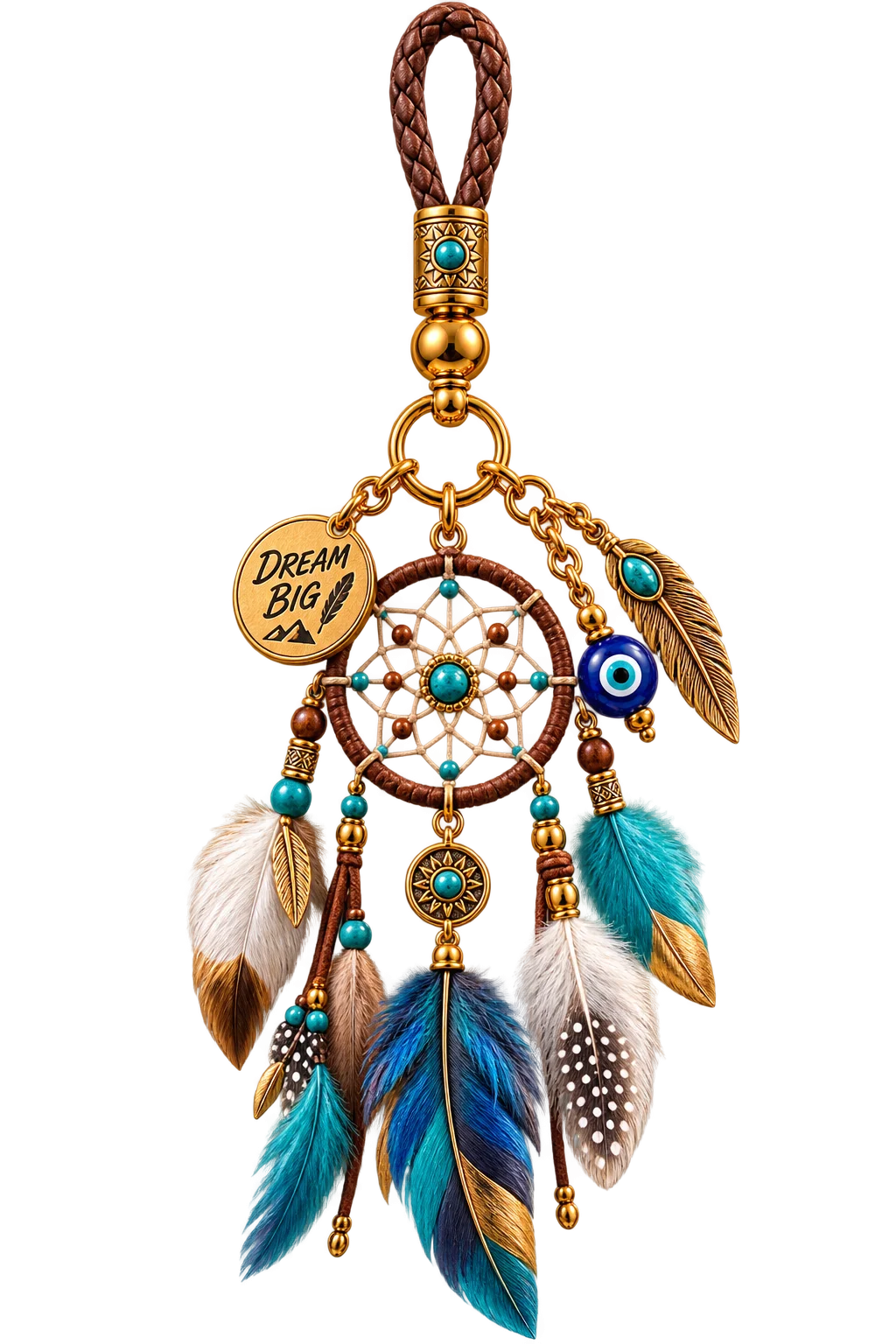
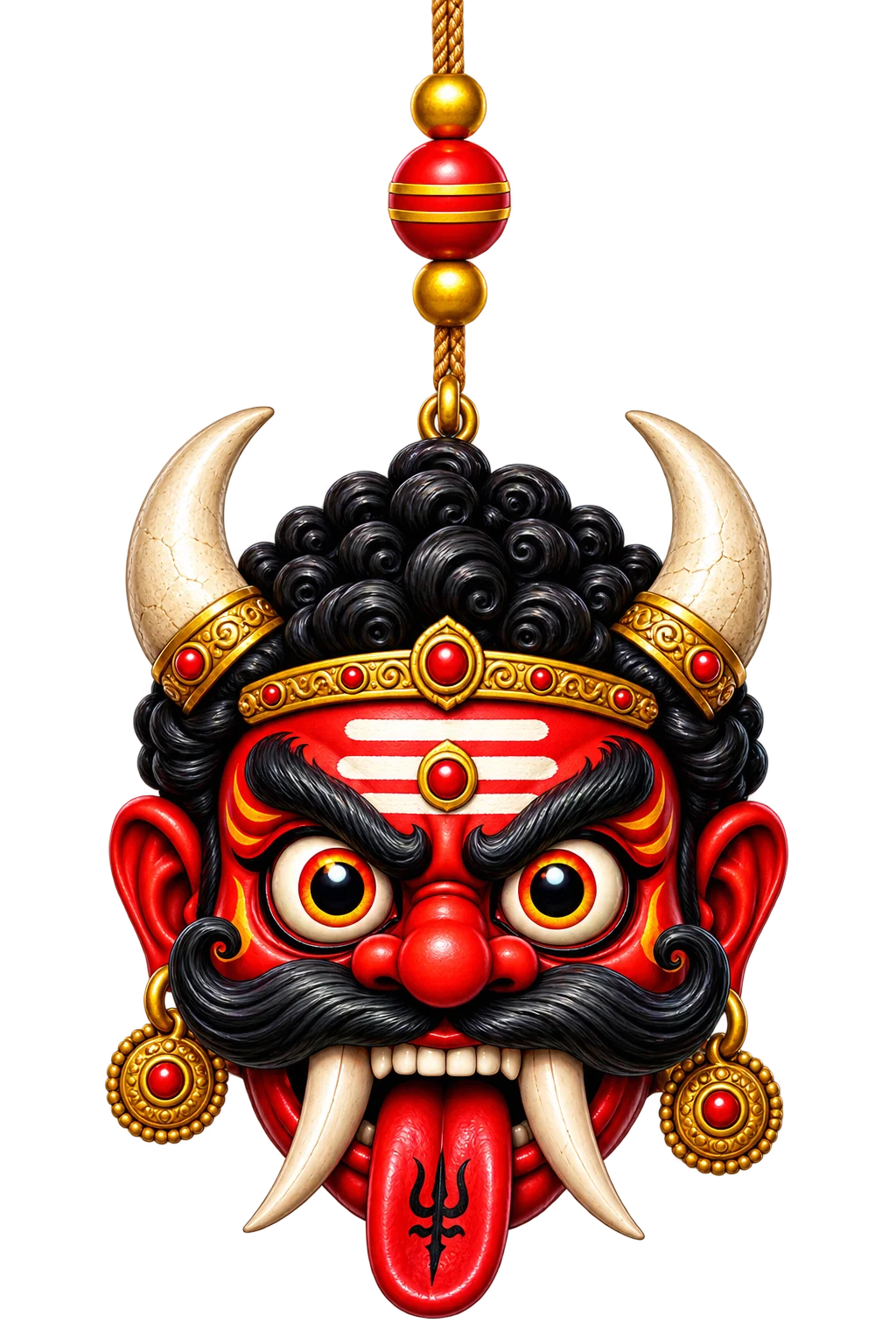
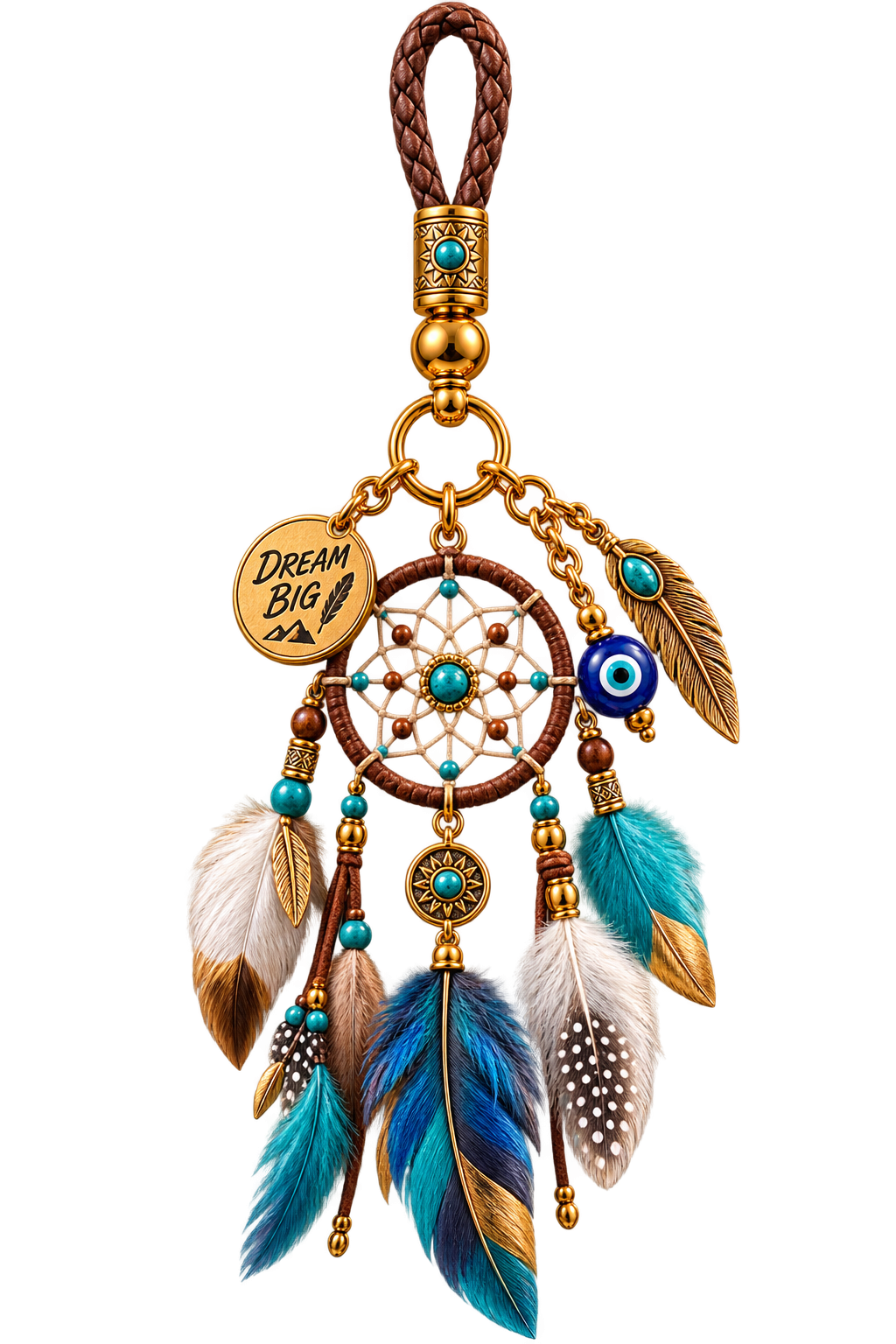
Beautiful animated charms that hang, sway and move naturally on your screen. Personalize your space with cultural icons, lucky symbols and meaningful designs.


Dreamcatcher Mix
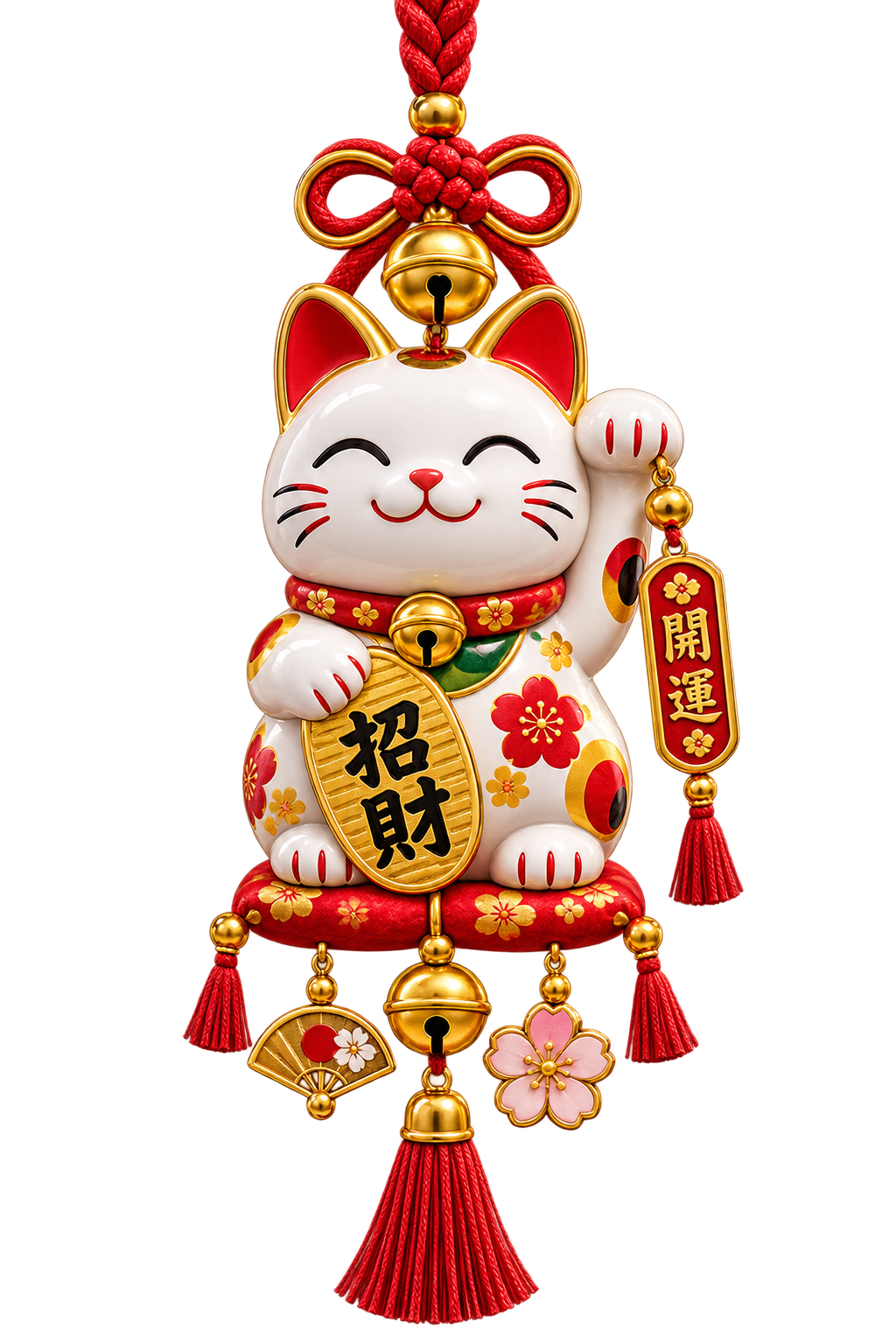
Maneki Neko
Lucky Knot
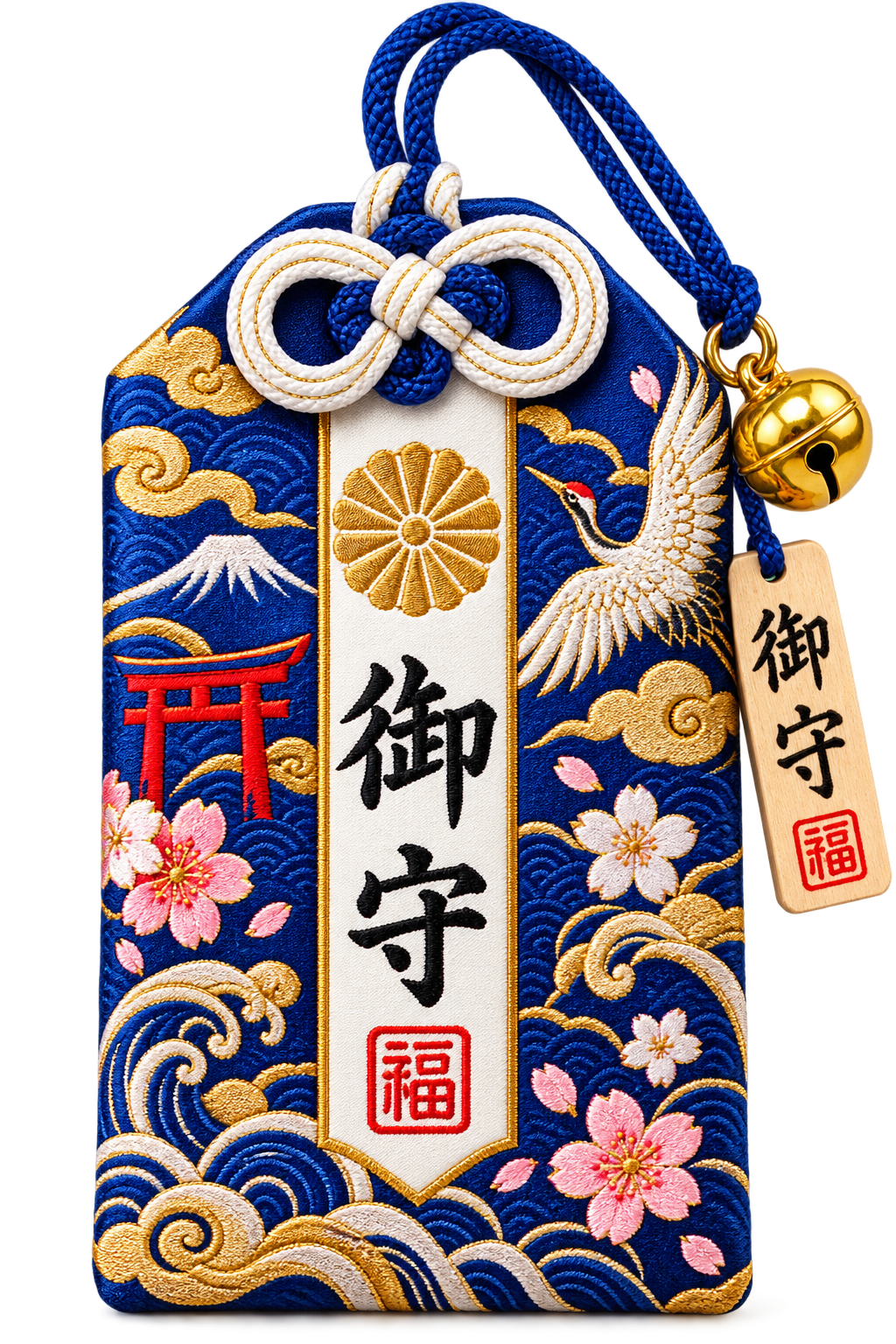
Omamori
Thai Bell
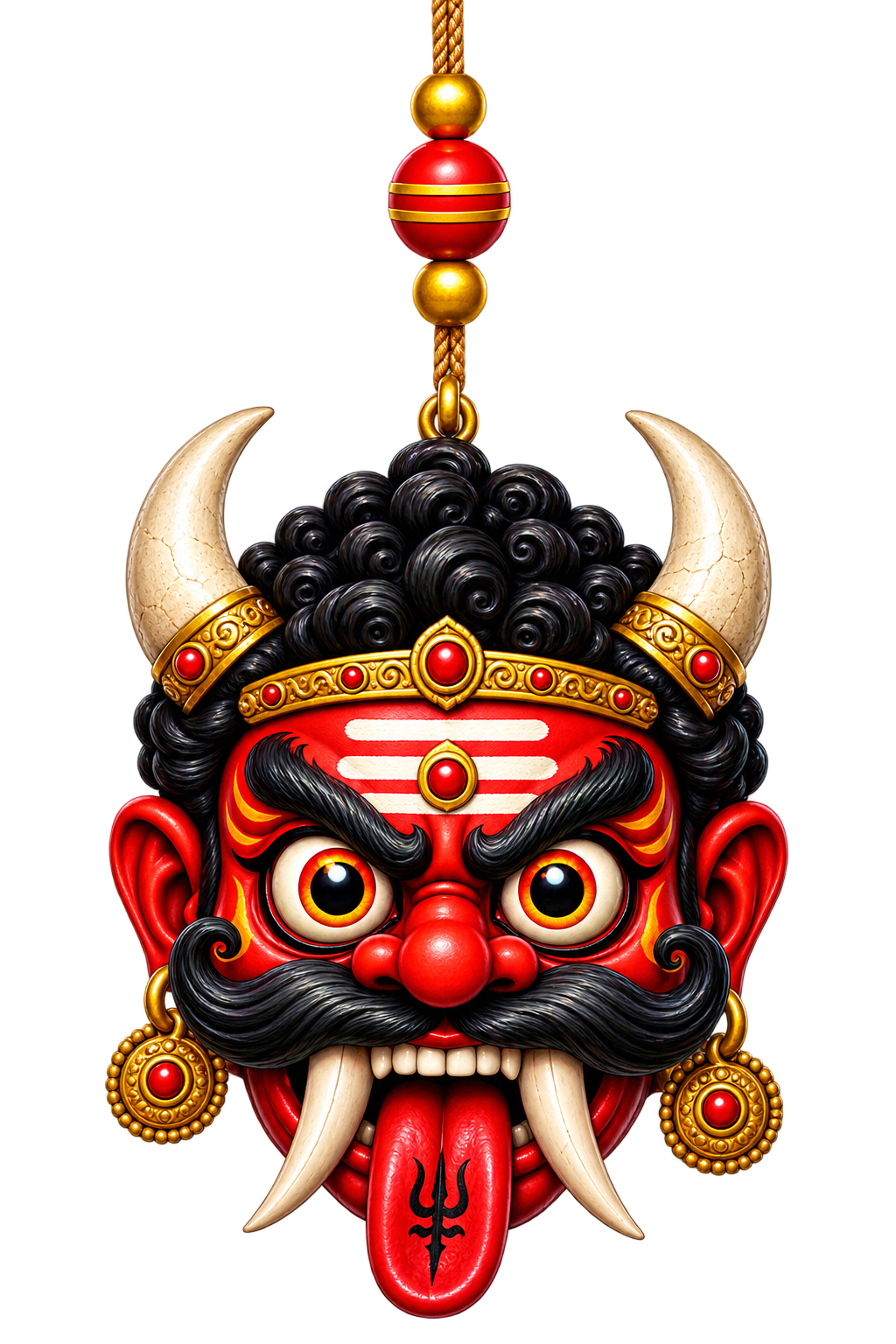
Demon
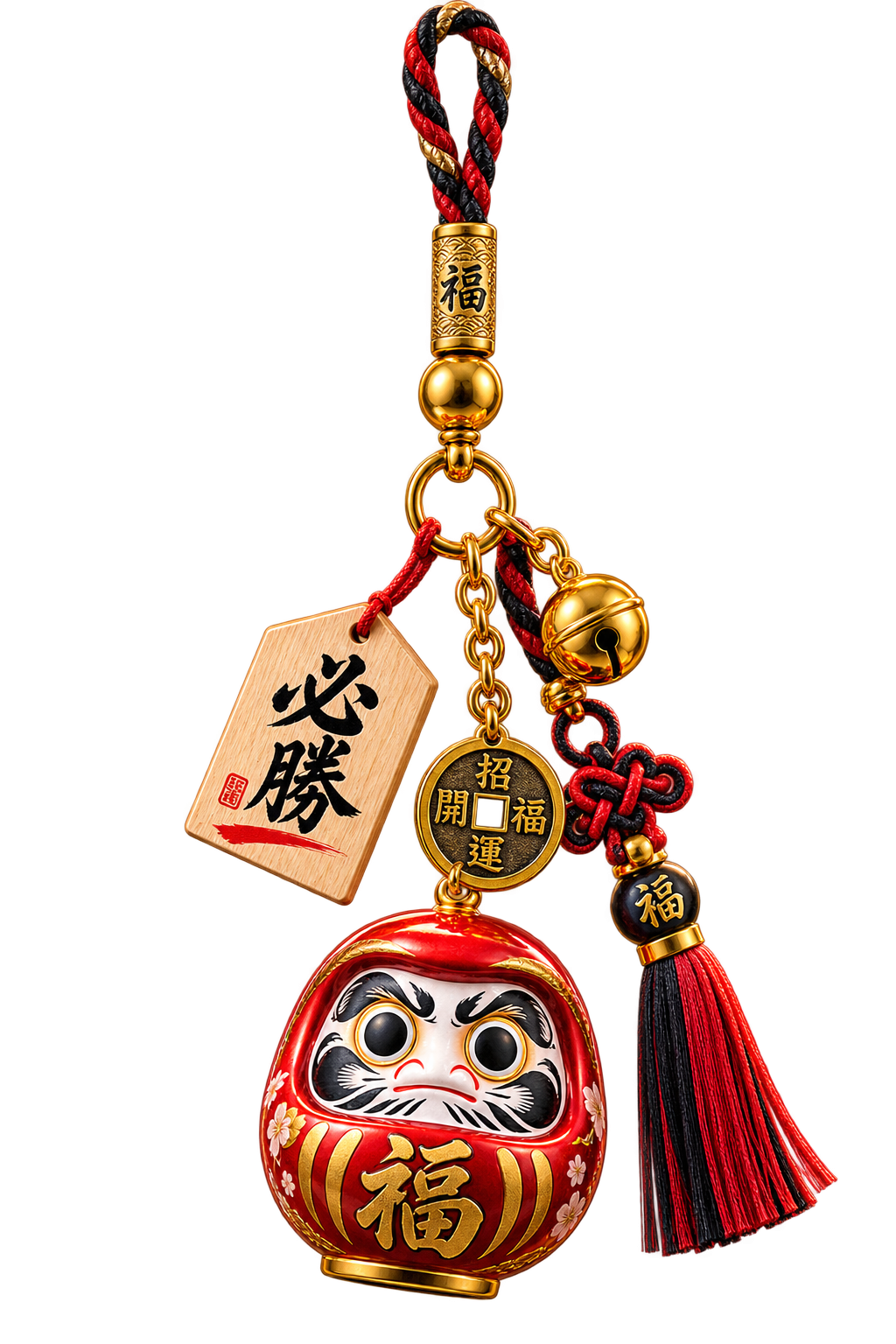
Daruma
Dragon
Buddha
Rajinikanth
Shah Rukh Khan
Billa Rajinikath
Jesus
Crucifix
Horseshoe
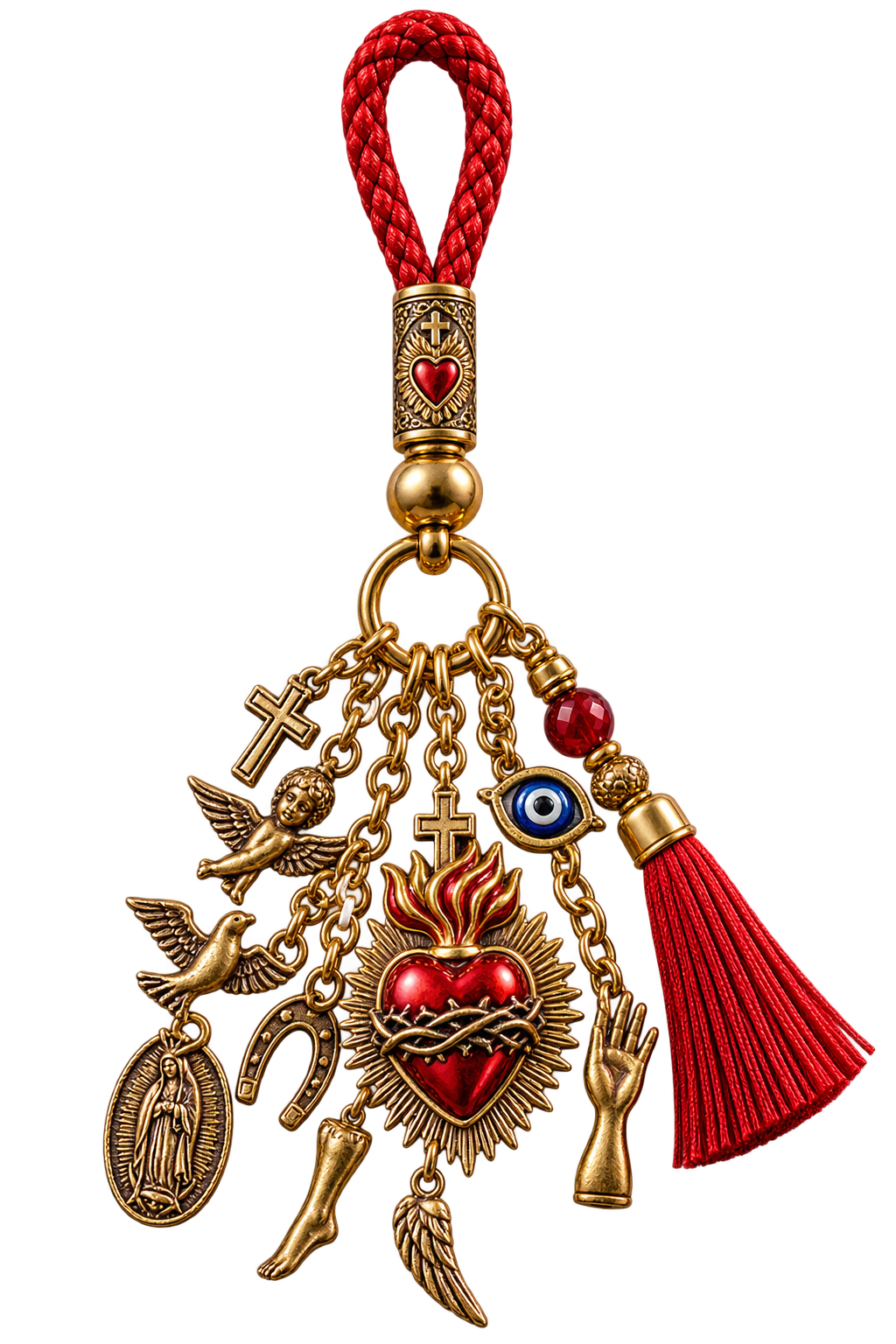
Sacred Heart Milagro
Dreamcatcher Mix
Maneki Neko
Lucky Knot
Omamori
Thai Bell
Demon
Daruma
Dragon
Buddha
Rajinikanth
Shah Rukh Khan
Billa Rajinikath
Jesus
Crucifix
Horseshoe
Sacred Heart Milagro
Choose your platform, unlock DangleJoy once, and enjoy full access with your own charms plus new charm updates.
Download DangleJoy directly from the Mac App Store. Purchase once and the macOS version is fully unlocked — no subscription and no renewal.
Download from Google Play. Inside DangleJoy, tap Unlock Premium to purchase lifetime access. Android pricing can vary by country.
Install DangleJoy on Windows, unlock Premium once, and activate your device for lifetime access. Existing activation codes can restore access.
Enjoy the complete charm collection, create your own personal charms, and receive new charm updates. Activation licenses are for one device at a time; deactivate first when moving to another device.
DangleJoy is available on macOS, Android and Windows — beautifully designed for the screen you use every day.

Full DangleJoy access on your Mac with a simple one-time App Store purchase. No subscription and no renewal.
Available for macOS →
Download from Google Play, then unlock Premium inside DangleJoy for lifetime access.
Available for Android →
Bring DangleJoy to your desktop, activate Premium once and enjoy your charms while you work.
Available for Windows →Hindu gods, Islamic symbols, Buddhist icons, celebrities and more.

New charms added regularly. Your app updates automatically.
Adjust size, rope length, position and swing strength.
Floats above all your apps — always visible.
Move your cursor and watch it swing with real physics.
Starts automatically when you turn on your Mac.
DangleJoy works by quietly running in the background, so your charms stay on screen while you use other apps. iOS doesn't allow apps to keep running like that, so for now we can't build an iPhone version that works the way DangleJoy should. If Apple ever opens the door, we'll be ready.